 -by
-by Printing checks no longer requires handwriting every payment or ordering large batches of pre-printed checks from a bank. Free check writing software can help individuals, freelancers, and small businesses create professional-looking checks, manage payment records, and print checks using compatible home or office printers.
However, choosing the right check printing software is not simply about finding a tool that costs nothing. Free plans can have limits on the number of checks you can print, available templates, accounting integrations, cloud storage, payroll features, or other payment-management tools. Security and compatibility are also important when software handles sensitive financial information.
In this guide, you’ll learn how free check writing software works, which features to compare, how to print checks safely, when MICR printing may be required, and the differences between free and paid solutions. We’ll also cover practical options for personal check printing, small business payments, payroll checks, online check printing, and accounting integration so you can choose a solution that fits your actual payment workflow.
Free Check Writing Software in 2026: What Has Changed?
Check printing has become more flexible, but choosing the right software in 2026 requires more than looking for a tool labeled “free.” Some platforms offer free plans with usage limits, while others provide free check printing but charge for advanced features such as bulk payments, accounting integrations, payroll, cloud storage, or business payment automation.
For that reason, users should compare the actual free features, printing limits, security controls, supported check formats, and upgrade requirements before choosing a platform. Modern check printing software can also be part of a broader payment workflow. Instead of using a program only to print a paper check, businesses may use it to organize vendor payments, maintain transaction records, connect accounting systems, and combine printed checks with electronic payment methods such as ACH.
When evaluating free check writing software, focus on these practical questions:
- Can you actually print checks for free?
- Is there a monthly or annual printing limit?
- Does the free plan support business checks?
- Can you manage multiple checking accounts?
- Does it integrate with your accounting software?
- Can you export or back up payment records?
- Does it support secure check stock and MICR printing where required?
- What features become paid after the free allowance?
- Is the software still actively maintained?
- Does the provider clearly explain how it handles financial information?
These details are more useful than simply choosing the software with the longest feature list.
As businesses continue adopting digital tools for payments, sales, and customer interactions, technologies such as live stream shopping are also changing how modern businesses connect with customers and complete transactions online.
What Is Free Check Writing Software?
Free check writing software is a computer or web-based application that allows users to:
- Create bank checks
- Print personal checks
- Print business checks
- Manage payment records
- Customize check layouts
- Store payee information
- Print payroll checks
- Generate check reports
Many programs work with standard laser or inkjet printers, while some also support MICR toner for professional banking requirements.
Passionate about technology and innovation? Explore techhatoz.com for the latest tech trends, in-depth tutorials, product reviews, and expert insights—all in one place.
Why Use Check Writing Software?
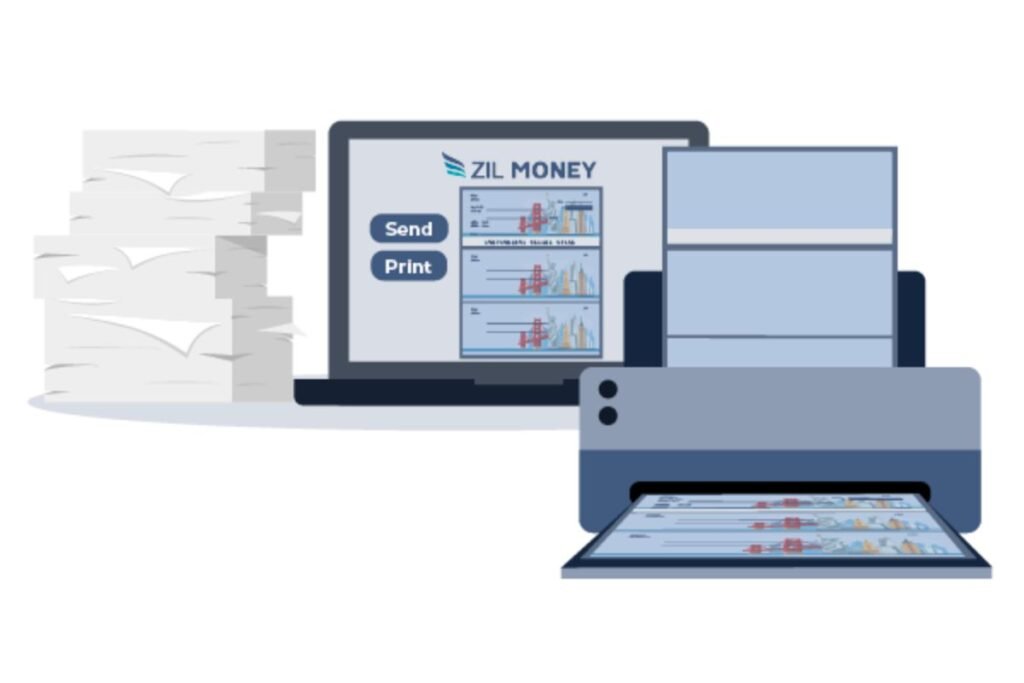
Using check printing software offers several advantages over handwritten checks.
Save Time
Creating digital checks takes only a few minutes.
Reduce Errors
Software automatically formats amounts, dates, and payee names.
Better Record Keeping
Every printed check is stored for future reference.
Professional Appearance
Printed checks look cleaner and more trustworthy than handwritten ones.
Lower Costs
Free software eliminates subscription fees for occasional users.
Best Free Check Writing Software and Free Plans to Consider
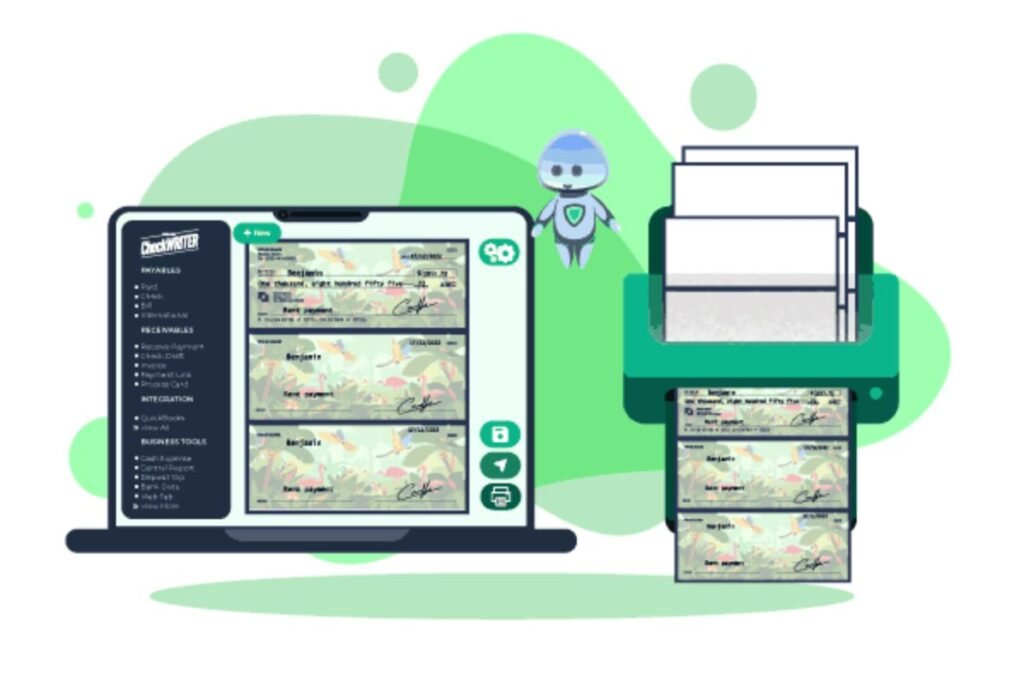
There is no single best check printing program for everyone. A freelancer who prints five checks a month has very different requirements from a company processing hundreds of vendor payments.
The following types of check writing software are worth evaluating based on your specific needs. Before signing up, verify the provider’s current pricing and free-plan limitations because check printing limits, integrations, and premium features can change.
01. Check Writing Software for Personal Use
Individuals who occasionally print personal checks generally need a simple interface, customizable check layouts, transaction records, and support for common home printers. The priority should be ease of use rather than advanced accounting or payroll functionality.
02. Check Printing Software for Small Businesses
Small businesses typically need more than basic check creation. Useful capabilities include multiple bank accounts, vendor records, payment tracking, check numbering, accounting integration, and transaction history. If your business sends checks regularly, also investigate whether the software supports batch printing and secure check stock.
03. Cloud-Based Check Writing Platforms
Cloud-based check printing tools allow users to create and manage payments through a web browser instead of installing traditional desktop software. This approach can be useful for remote teams, accountants, and business owners who need access from different devices. However, review the provider’s data-security practices, user permissions, backup policies, and subscription limitations before storing sensitive financial information.
04. Accounting Software With Check Printing
Some accounting platforms include check printing as part of a broader financial-management workflow. This can reduce duplicate data entry because vendor payments and check transactions can remain connected to the accounting records. For businesses already using accounting software, an integrated check-printing feature may be more practical than maintaining a separate application.
If you prefer managing invoices, checks, and other business documents from a laptop, choosing a comfortable and reliable device can make a noticeable difference. See our guide to the best laptops for writers for options designed for productivity and long-form work.
Free Check Writing Software List
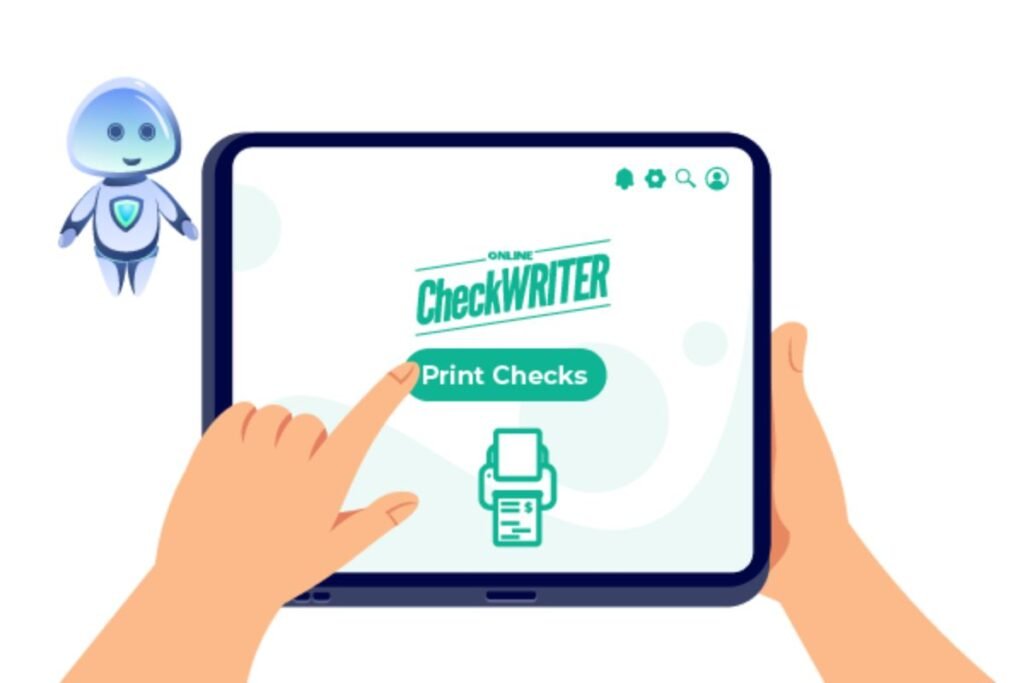
01. CheckWriter
Best for:
- Small businesses
- Freelancers
- Personal use
Features:
- Unlimited check printing
- Multiple bank accounts
- Check templates
- Transaction history
- User-friendly interface
Pros:
- Free version available
- Easy setup
- Supports business checks
Cons:
- Advanced features require upgrading.
02. Online Check Writer
Best for:
- Businesses
- Accountants
- Payroll
Features:
- Cloud storage
- Bank integration
- Digital payments
- Invoice management
- Payroll support
Pros:
- Free plan
- Mobile access
- Secure encryption
Cons:
- Some premium tools require payment.
03. CheckRobot
Ideal for businesses that need online check creation.
Key features include:
- Online dashboard
- Bulk printing
- Custom logos
- Payment tracking
04. VersaCheck
VersaCheck has been one of the most recognized names in check printing.
Features include:
- MICR printing
- Security features
- Bank compatibility
- Accounting integration
05. PrintBoss
PrintBoss is suitable for organizations handling thousands of checks each month.
Advantages:
- Batch printing
- Accounting software integration
- Custom templates
- Enterprise-level security
06. ezCheckPrinting
This software is popular among small businesses.
Highlights:
- Affordable upgrades
- Easy installation
- Multiple bank accounts
- Professional check layouts
07. Checksoft Home & Business
Designed for both home users and business owners.
It supports:
- Personal checks
- Business checks
- Budget tracking
- Financial reports
08. GnuCash
Although primarily accounting software, GnuCash also supports check printing.
Best for:
- Small businesses
- Personal finance
- Open-source users
09. QuickBooks Check Printing
Businesses already using QuickBooks can print checks directly from their accounting dashboard.
Benefits include:
- Vendor payments
- Payroll
- Expense tracking
- Automatic accounting updates
10. Zil Money
Zil Money combines digital banking with check printing.
Features include:
- Online checks
- ACH payments
- Wire transfers
- Business payment management
11. Checkeeper
Checkeeper focuses on cloud-based check creation.
Advantages include:
- Browser-based
- No installation
- Unlimited templates
- Team collaboration
12. Print Checks Pro
A simple solution for users needing occasional check printing.
Main features:
- Fast setup
- Custom layouts
- PDF export
- Secure printing
Check Printing vs Electronic Payments: Which Should You Use?
Check printing software is useful, but paper checks are not the only payment option available to modern businesses. Depending on the situation, you may choose between printed checks, ACH payments, bank transfers, card payments, or other electronic payment methods.
Printed Checks
Printed checks can be useful when:
- A vendor specifically accepts or prefers checks
- You need a physical payment record
- Your business still operates with check-based workflows
- Certain customers or organizations require paper checks
ACH Payments
ACH can be more convenient for recurring or electronic business payments because there is no need to print, sign, mail, or physically deliver a check.
Bank Transfers
Bank transfers can be useful for certain business-to-business payments, particularly when speed is more important than maintaining a paper payment workflow.
The practical approach
You do not necessarily need to choose one payment method for everything. A business may use check printing software for vendors that accept checks while using ACH or other electronic payment methods for recurring expenses.
The best payment workflow depends on cost, speed, vendor requirements, record keeping, security, and the accounting system already used by the business.
Features to Look for in Free Check Writing Software
Before choosing software, compare these essential features.
Easy Check Design
Look for drag-and-drop templates and customization options.
Multiple Bank Accounts
Businesses often manage several accounts.
MICR Compatibility
Banks prefer checks printed using MICR toner for automated processing.
Security
Choose software offering:
- Password protection
- Encryption
- Backup
- User permissions
Accounting Integration
Support for accounting software saves manual work.
Cloud Backup
Cloud storage protects payment records.
Bulk Printing
Businesses processing many payments benefit from batch printing.
Do You Need MICR Printing for Checks?
MICR stands for Magnetic Ink Character Recognition. It is a technology used to make important information printed along the bottom of many checks readable by bank and check-processing systems. Whether you need MICR toner, MICR-compatible printing, or specific check stock depends on the type of check you are printing and the requirements of the financial institution processing it.
For occasional personal check printing, users should first confirm their bank’s requirements rather than assuming that every check must be printed with specialized MICR equipment. Businesses that print checks regularly should pay closer attention to:
- MICR-compatible check stock
- MICR toner or ink requirements
- Bank processing requirements
- Check alignment
- Routing and account number placement
- Security features
- Printer compatibility
Always verify the requirements with the relevant bank or financial institution before producing business checks in large quantities.
How to Print Checks at Home or in a Small Office
Printing a check is relatively simple, but accuracy matters more than speed.
Step 1: Choose compatible software
Confirm that the software supports your operating system, printer, check stock, and intended type of check.
Step 2: Set up your account
Enter the required personal or business information. Only provide financial information through the provider’s official application or website.
Step 3: Configure your bank information
Enter the required routing and account information carefully. Check it against your official bank records before saving it.
Step 4: Select compatible check stock
Use check stock that matches the software’s layout and printing requirements.
Step 5: Configure the printer
Follow the software’s instructions for paper orientation, margins, and alignment.
Step 6: Preview the check
Check the payee, date, amount, check number, and bank information before printing.
Step 7: Print one test check
If you are using a new printer or template, print a test first. This helps prevent wasting check stock.
Step 8: Inspect the finished check
Make sure text and numbers are correctly positioned and readable.
Step 9: Record the payment
Save the transaction in your accounting or payment records so it can later be reconciled with your bank statement.
Step 10: Store unused check stock securely
Blank checks contain sensitive financial information. Keep unused check stock in a secure location and restrict access to authorized people.
A reliable keyboard and mouse can make everyday financial tasks, including entering payee information and managing check-printing software, more comfortable and efficient. You can also explore our guide to the best keyboard and mouse for everyday computer use.
Is Free Check Writing Software Safe in 2026?
Free does not automatically mean unsafe, but it also does not guarantee that a service is trustworthy. Check printing software can handle highly sensitive financial information, so security should be one of the first factors you evaluate. Before entering bank account or payment information, check whether the provider clearly explains how it protects user data.
Important security features
Look for:
- Encryption during data transmission
- Strong account authentication
- Multi-factor authentication when available
- User permissions for business accounts
- Secure backups
- Regular software updates
- Audit or transaction history
- Clear privacy and data-retention policies
- Secure password recovery
- Official support channels
Avoid unofficial downloads
Do not download cracked versions, modified installers, or software from unknown file-sharing websites simply because they are advertised as “free.” Financial software obtained from unofficial sources can expose payment information, passwords, or other sensitive data to unnecessary risk. For cloud-based platforms, review the provider’s privacy policy and security documentation before connecting a bank account or uploading financial records.
Verify before printing
Always preview a check before printing it. Confirm:
- Payee name
- Date
- Amount
- Bank information
- Check number
- Memo
- Signature requirements
- Printing alignment
A small data-entry error can create a much bigger accounting or payment problem later.
Free vs Paid Check Writing Software
| Feature | Free | Paid |
| Basic printing | ✔ | ✔ |
| Custom templates | ✔ | ✔ |
| Cloud backup | Limited | ✔ |
| Payroll tools | Limited | ✔ |
| Accounting integration | Basic | Advanced |
| Customer support | Limited | Full |
| Bulk printing | Sometimes | ✔ |
How to Choose the Right Free Check Writing Software
The best check writing software depends on how you actually make payments. Instead of comparing dozens of features, start with your workflow.
For occasional personal checks
Prioritize:
- Simple setup
- Basic check templates
- Printer compatibility
- Check history
- Low or no recurring cost
For freelancers
Look for:
- Professional business checks
- Multiple payees
- Payment records
- Easy PDF or accounting exports
- Simple expense tracking
For small businesses
Prioritize:
- Multiple bank accounts
- Vendor management
- Check numbering
- Accounting integration
- Batch printing
- User permissions
- Transaction reporting
For accountants and bookkeepers
Look for:
- Multi-client workflows
- Audit trails
- Bulk check printing
- Accounting integrations
- Cloud access
- Role-based permissions
For growing companies
A completely free tool may not remain practical as payment volume increases. In that situation, compare the cost of upgrading with the time saved through automation, accounting synchronization, electronic payments, and centralized payment management. The cheapest software is not always the lowest-cost solution if employees spend significant time correcting errors or entering the same payment information in multiple systems.
If you regularly handle digital payments and financial records, improving your typing speed can also help you complete administrative tasks more efficiently. Learn more about average typing speed and how fast people typically type.
Who Should Use Check Writing Software?
These tools are useful for:
- Small businesses
- Freelancers
- Accountants
- Bookkeepers
- Non-profit organizations
- Schools
- Property managers
- Contractors
- Retail stores
- Individuals
Benefits of Using Check Printing Software
The biggest benefits include:
- Faster payments
- Professional appearance
- Accurate records
- Better organization
- Lower printing costs
- Improved financial management
- Easy payment tracking
- Reduced handwriting mistakes
Common Mistakes to Avoid
Many beginners make these mistakes:
- Printing without previewing
- Using incorrect account numbers
- Forgetting signatures
- Using poor-quality paper
- Skipping backups
- Ignoring software updates
- Sharing banking credentials
Tips for Choosing the Best Free Check Writing Software
When comparing tools, consider:
- Ease of use
- Security features
- Customer reviews
- Compatibility with your bank
- Accounting integrations
- Update frequency
- Customer support
- Printing quality
- Cloud accessibility
- Upgrade options
Testing several free versions before making a long-term decision is often the best approach.
Related Check Printing Terms You Should Understand
Understanding a few common terms can make it easier to compare check printing software.
Check printing software
A program designed to create and print checks while maintaining payment information and transaction records.
Check stock
Specially formatted blank paper designed for printing checks. Some check stock includes security features to make unauthorized alteration more difficult.
MICR
Magnetic Ink Character Recognition is used to encode and read information commonly printed along the bottom of checks.
Check numbering
A sequential numbering system that helps businesses track issued checks and reconcile payments.
Check reconciliation
The process of comparing issued checks and recorded transactions with bank statements to identify missing, duplicate, or incorrect entries.
Vendor payments
Payments made by a business to suppliers, contractors, service providers, or other vendors.
Payroll checks
Checks issued to employees as part of a payroll process. Payroll functionality may require specialized software or a paid plan.
Digital checks
Electronic or digitally created payment instruments that may be delivered without relying on traditional paper checks. Their availability and legal treatment vary by provider and jurisdiction.
Accounting integration
A connection between check printing software and accounting platforms that can reduce duplicate data entry and keep payment records synchronized.
Helpful Resources
If you’re interested in more technology and software guides, you can explore Tech All World and Techh AtoZ for tutorials, software reviews, and buying guides.
For readers looking for travel or dining information, Beach Near offers destination guides, while Restaurent.net covers restaurants and food-related content.
Conclusion
Free check writing software can be a practical option for individuals, freelancers, and small businesses that still need to issue paper checks without investing in expensive payment infrastructure. However, the right choice is not simply the software with the word “free” in its name. Compare the current free-plan limits, check printing capabilities, printer compatibility, security controls, accounting integrations, backup options, and upgrade costs before committing to a platform.
For occasional users, a simple check printing application may be enough. Businesses with regular vendor payments, payroll requirements, multiple bank accounts, or high payment volumes may need a more advanced solution that combines check printing with accounting and payment management.
Most importantly, verify your bank’s requirements for check stock, MICR printing, and processing before producing checks in large quantities. Keep your software updated, protect financial information, and maintain accurate payment records. A good check writing solution should do more than print a piece of paper—it should make your payment workflow more accurate, organized, secure, and manageable.
The growth of check-writing software is part of a much broader shift toward digital business tools, driven by continued innovation from the top tech companies in the world.
FAQs
Q: What is the best free check writing software?
Ans: Popular options include CheckWriter, Online Check Writer, GnuCash, VersaCheck, and ezCheckPrinting. The best choice depends on whether you need personal, business, or payroll features.
Q: Can I print checks on a regular printer?
Ans: Yes. Most software supports laser and inkjet printers. Some banks recommend MICR toner for business checks.
Q: Is check printing legal?
Ans: Yes. In many countries, printing your own checks is legal if they meet banking requirements and contain accurate account information.
Q: Do I need special paper?
Ans: For professional-quality results, use check stock paper designed for secure printing.
Q: Can I print payroll checks?
Ans: Yes. Many business-focused programs include payroll check printing.
Q: Does free software have limitations?
Ans: Most free versions limit advanced features such as cloud storage, payroll, bulk printing, or premium support.
Q: Can I use check software for multiple bank accounts?
Ans: Yes. Most modern applications allow you to manage multiple checking accounts.
Q: Can I print checks from a PDF?
Ans: Some check-printing workflows allow users to generate printable documents or PDFs, but the exact functionality depends on the software. Always verify that the resulting format meets the requirements of the financial institution receiving the check.
Q: Can I print checks without buying expensive check printing equipment?
Ans: For some situations, yes. Many check printing applications work with ordinary printers, although specific bank, business, or check-processing requirements may require compatible check stock or MICR equipment.
Q: What printer is best for printing checks?
Ans: The best printer depends on the software and check stock you use. Laser and inkjet printers may both be supported, but businesses with specialized MICR requirements should verify printer and toner compatibility before purchasing equipment.
Q: Is online check printing better than desktop software?
Ans: Online check printing can be more convenient for users who need browser-based access, while desktop software may be preferable for people who want local control over their records. Security, backups, integrations, and printing requirements should be compared before choosing either approach.
Q: Can check printing software connect to accounting software?
Ans: Some platforms integrate with accounting systems, allowing payment information to move between applications. Integration availability depends on the specific software and plan.
Q: How can I prevent check printing errors?
Ans: Preview every check, verify account information, use compatible check stock, print a test before producing multiple checks, maintain sequential check numbers, and reconcile issued checks with your bank statements.




1 Comment