 -by
-by Apple designs the MacBook Air with a premium aluminum body and an ultra-thin display, making it one of the most portable laptops available. However, its slim design also means users should take extra care to prevent scratches, keyboard marks, and screen damage. One of the simplest accessories for this purpose is Paper MacBook Air, commonly referring to the protective paper sheet placed between the keyboard and display.
Many users throw this paper away after unboxing their MacBook Air, but it can actually help preserve the laptop’s display for years. This guide explains everything you need to know about MacBook Air protective paper, why it’s useful, and how to choose the best replacement if you’ve lost the original.
What Is Paper MacBook Air?
The term Paper MacBook Air generally refers to the thin protective paper sheet that sits between the keyboard and the display. Apple places this sheet inside the box to protect the screen during shipping.
Many MacBook owners continue using this paper after purchase because it helps prevent:
- Keyboard marks on the display
- Dust transfer
- Fingerprints
- Minor scratches
- Pressure damage during transport
Although it looks like ordinary paper, it’s specially chosen to be soft, lightweight, and safe for the MacBook’s delicate display.
Why Does Apple Include Protective Paper?
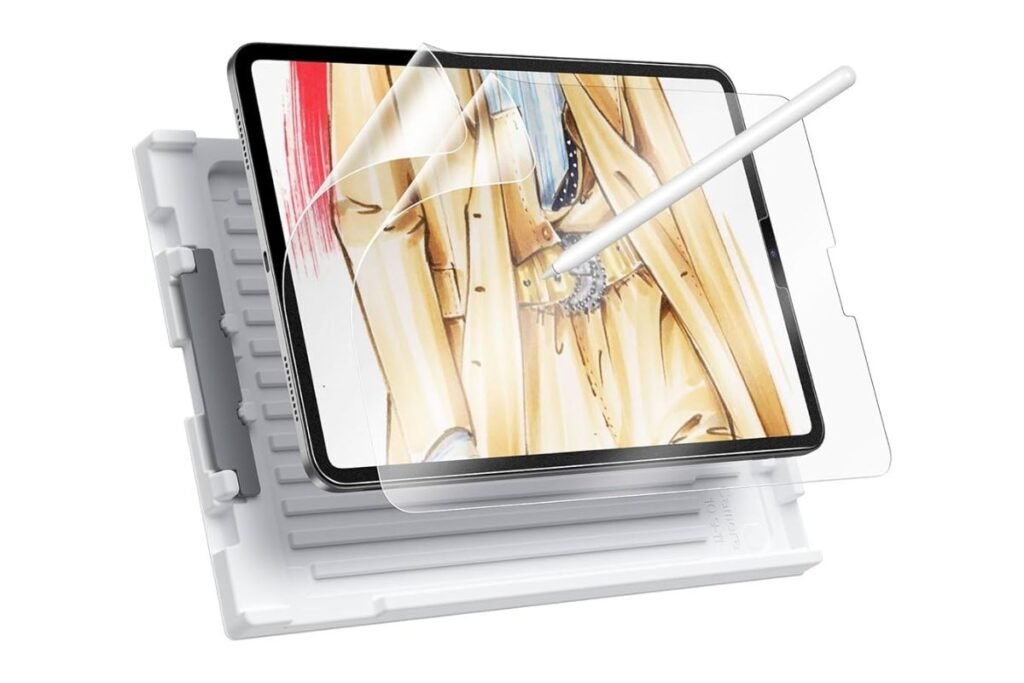
Apple includes the protective paper for several reasons.
Prevents Screen Scratches
The MacBook Air has an extremely small gap between the keyboard and the display when closed. During transportation, pressure can cause the keys to touch the screen. The protective paper creates a soft barrier that reduces direct contact.
Reduces Keyboard Imprints
Many MacBook owners notice keyboard-shaped marks on the display after carrying their laptop in a backpack.
These marks happen because pressure pushes the keyboard against the screen. Using protective paper greatly reduces this problem.
Keeps the Screen Cleaner
Dust, skin oils, and fingerprints can transfer from the keyboard to the display. A protective paper sheet helps keep both surfaces cleaner.
Should You Keep the Original Paper?
Yes. Many experienced MacBook users recommend keeping the original Apple protective paper instead of throwing it away.
Advantages include:
- Free protection
- Perfect fit
- Lightweight
- Doesn’t increase laptop thickness
- Easy to replace when worn out
Can You Buy Replacement Paper?
Absolutely. If you’ve lost the original sheet, many companies sell replacement keyboard protection papers specifically designed for MacBook Air models.
Some options include:
- Microfiber keyboard cloths
- Soft protective fabric sheets
- Ultra-thin reusable keyboard paper
- Felt screen protectors
Choose products specifically designed for MacBook Air to ensure the correct size and thickness.
Paper vs Microfiber Cloth
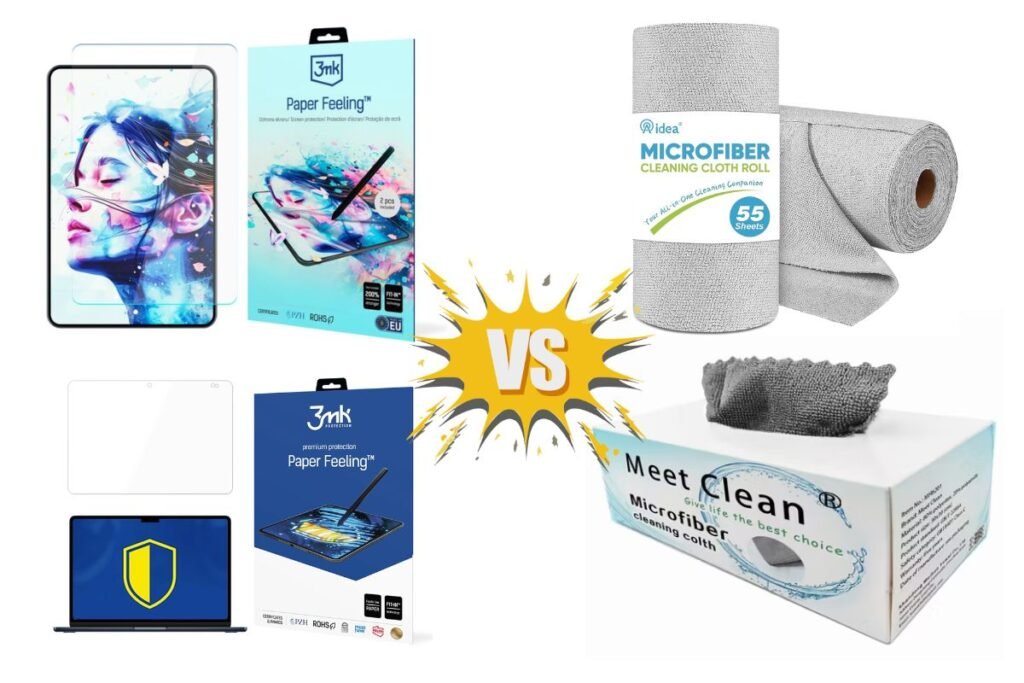
Many users wonder whether paper or microfiber is better.
| Feature | Protective Paper | Microfiber Cloth |
| Very thin | ✅ | Usually thicker |
| Lightweight | ✅ | ✅ |
| Washable | ❌ | ✅ |
| Reusable | Limited | Yes |
| Screen cleaning | Limited | Excellent |
| Travel protection | Excellent | Excellent |
If your goal is protecting the screen while the laptop is closed, both options work well, provided they are thin enough not to put pressure on the display.
Is Thick Paper Safe?
No. It is not fully safe for your MacBook Air.
Avoid using:
- Cardboard
- Printer paper folded several times
- Thick fabric
- Foam sheets
- Bubble wrap
These materials may create excess pressure on the display when the MacBook Air is closed. Only use ultra-thin protective sheets designed for laptops.
How to Use Paper MacBook Air Properly
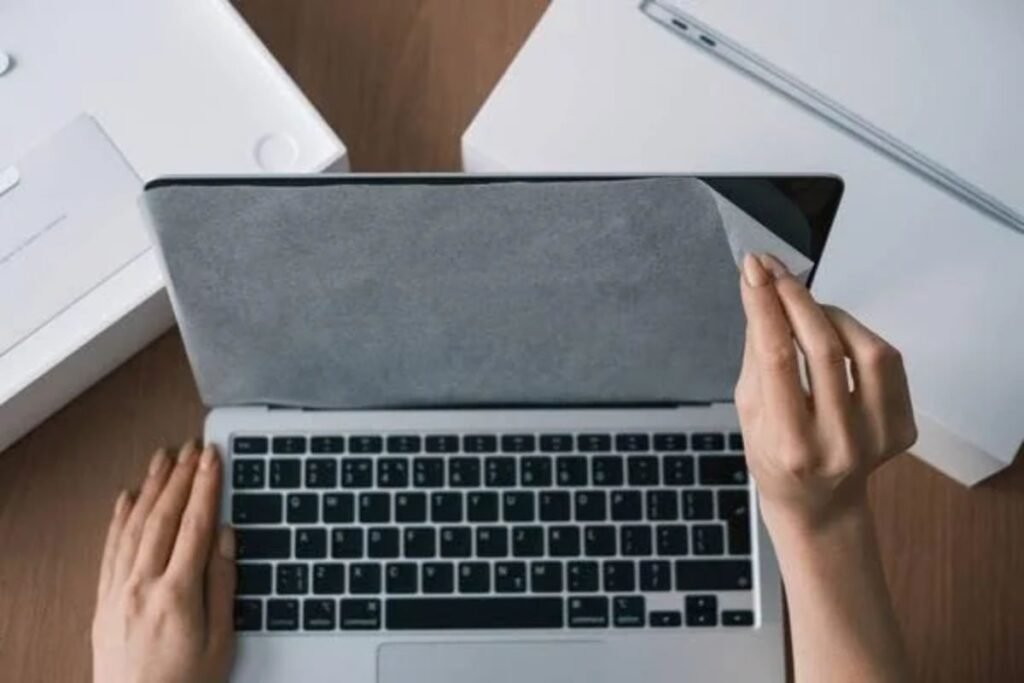
Using the protective paper is simple.
- Clean the keyboard.
- Clean the display.
- Lay the paper flat over the keyboard.
- Close the MacBook gently.
- Remove the paper before using the laptop.
Never force the lid closed if the paper appears too thick.
Common Mistakes to Avoid
Many users accidentally damage their MacBook display by:
- Using thick keyboard covers while closing the lid.
- Placing pens or cables inside the closed laptop.
- Using folded paper towels.
- Storing the laptop with debris on the keyboard.
The safest option is always a thin protective sheet designed for MacBook Air.
Who Should Use Paper MacBook Air?
Protective paper is especially useful for:
Students
Students often carry laptops in backpacks every day. Extra protection helps prevent keyboard marks during travel.
Office Professionals
Daily commuting increases the chance of screen pressure. Protective paper minimizes wear over time.
Frequent Travelers
If your MacBook Air spends hours inside luggage, a protective sheet provides extra peace of mind.
Benefits of Using Protective Paper
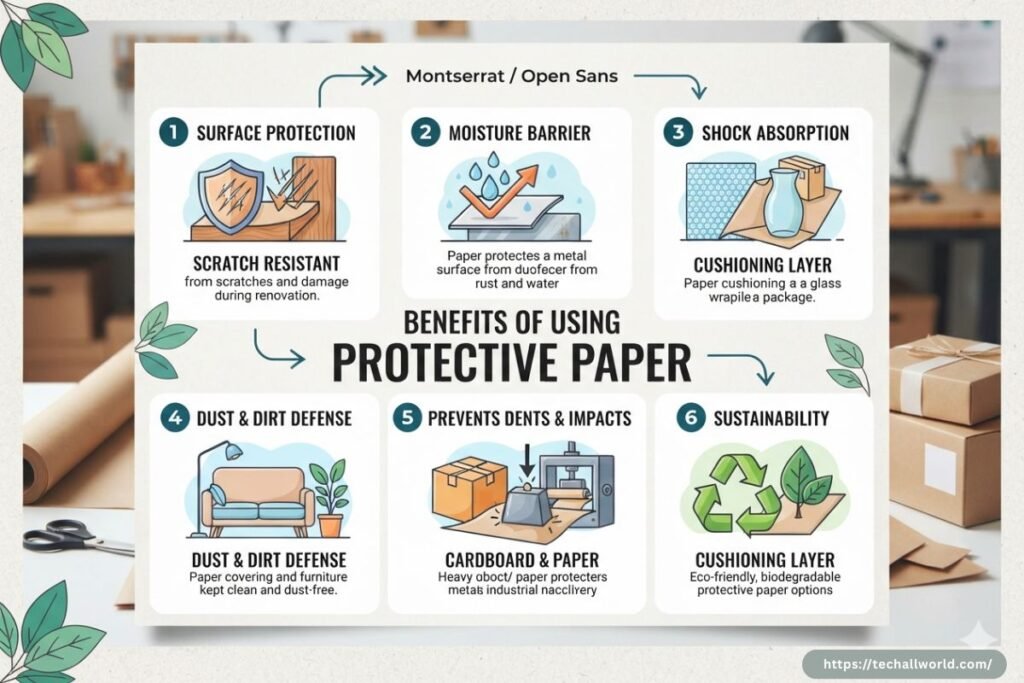
Using a Paper MacBook Air protector offers several advantages:
- Protects the Retina display
- Prevents keyboard marks
- Reduces dust buildup
- Helps maintain resale value
- Lightweight and inexpensive
- Easy to replace
- Suitable for everyday use
Does Apple Recommend Keeping It?
Apple mainly includes the paper for shipping protection and doesn’t officially instruct users to continue using it every day. However, many long-term MacBook owners choose to keep using the original sheet because it provides an extra layer of protection without affecting portability.
Best Alternatives to Apple’s Original Paper
If the original paper is damaged, consider these alternatives:
- Ultra-thin microfiber keyboard cloth
- Reusable laptop screen protector cloth
- Non-woven protective fabric
- Custom-cut protective keyboard sheet
Avoid anything that adds noticeable thickness between the keyboard and the screen.
Tips to Keep Your Screen Scratch-Free
- Clean the keyboard regularly.
- Wipe the display with a microfiber cloth.
- Avoid placing objects inside the closed laptop.
- Use a padded laptop sleeve.
- Don’t overload your backpack.
- Replace worn protective paper when necessary.
For more MacBook care tips, laptop accessories, and Technical Guides, explore TechAllWorld and TechhAtoZ. If you’re planning a workcation, BeachNear offers travel inspiration and guides, while Restaurent.net can help you discover great dining spots near you!!
FAQs
Q: What is Paper MacBook Air?
Ans: It is the thin protective paper sheet placed between the MacBook Air keyboard and display to prevent scratches and keyboard marks.
Q: Can I reuse the original Apple paper?
Ans: Yes. Many users reuse it for months or even years if it remains clean and undamaged.
Q: Is paper better than a keyboard cover?
Ans: For storage and transport, a thin protective paper sheet is generally safer than leaving a silicone keyboard cover in place while the lid is closed, as thicker covers can create additional pressure on the display.
Q: Can I use normal printer paper?
Ans: No. Standard printer paper isn’t designed for this purpose and may trap dust or wrinkle. Use a soft, ultra-thin protective sheet made for laptops instead.
Q: Should I replace damaged protective paper?
Ans: Yes. If the paper becomes torn, dirty, or creased, replace it with a new protective sheet to avoid transferring debris to the screen.
Conclusion
The Paper MacBook Air may seem like a simple accessory, but it plays an important role in protecting your laptop’s display from scratches, keyboard imprints, and dust during storage and travel.
While many users discard the original protective paper after unboxing, keeping or replacing it with a suitable ultra-thin alternative can help preserve your MacBook Air’s appearance and resale value. It’s a small investment in care that can make a noticeable difference over the life of your laptop.