 -by
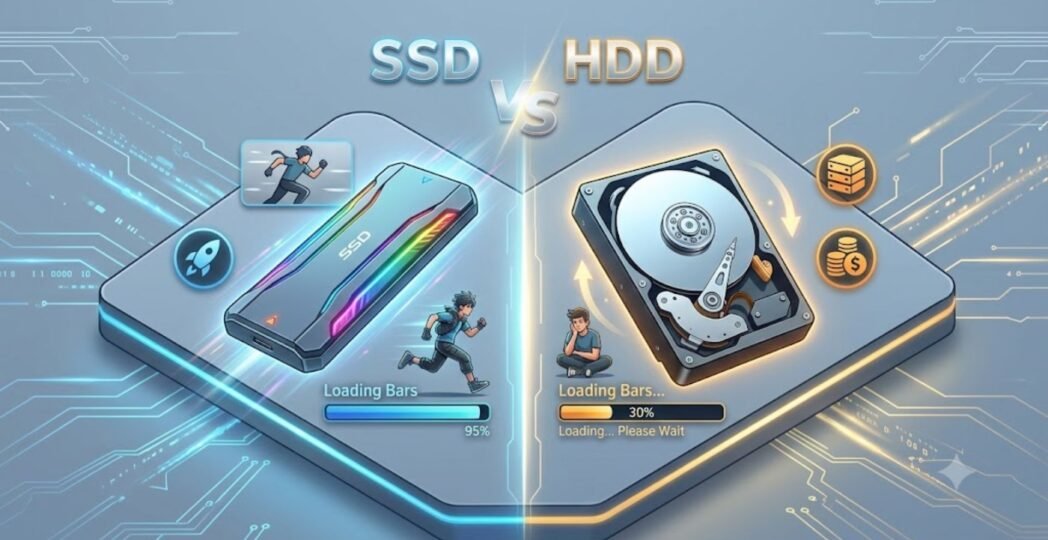
-by Choosing between an external SSD vs HDD can be confusing, especially with so many storage options available today. Both devices let you store files outside your computer, but they differ in speed, durability, price, storage capacity, and overall performance.
Whether you’re a student, gamer, photographer, video editor, business owner, or everyday computer user, selecting the right external drive can save you money and improve your workflow. In this complete guide, you’ll learn everything about external SSD vs HDD, including their differences, advantages, disadvantages, pricing, use cases, and buying tips.
What Is an External SSD?
An External Solid State Drive (SSD) is a portable storage device that uses flash memory instead of spinning disks. Unlike traditional hard drives, SSDs have no moving parts. This allows them to read and write data much faster while being more resistant to damage.
Common connection types include:
- USB 3.2
- USB-C
- Thunderbolt 3
- Thunderbolt 4
External SSDs are popular among professionals who transfer large files regularly.
What Is an External HDD?
An External Hard Disk Drive (HDD) is a portable storage device that stores data on spinning magnetic disks. A mechanical arm reads and writes data, making HDDs slower than SSDs. However, HDDs remain popular because they offer massive storage capacities at affordable prices.
Most external HDDs connect through:
- USB 3.0
- USB 3.2
- USB-C
They are commonly used for backups, movies, photos, and long-term storage.
External SSD vs HDD: Quick Comparison
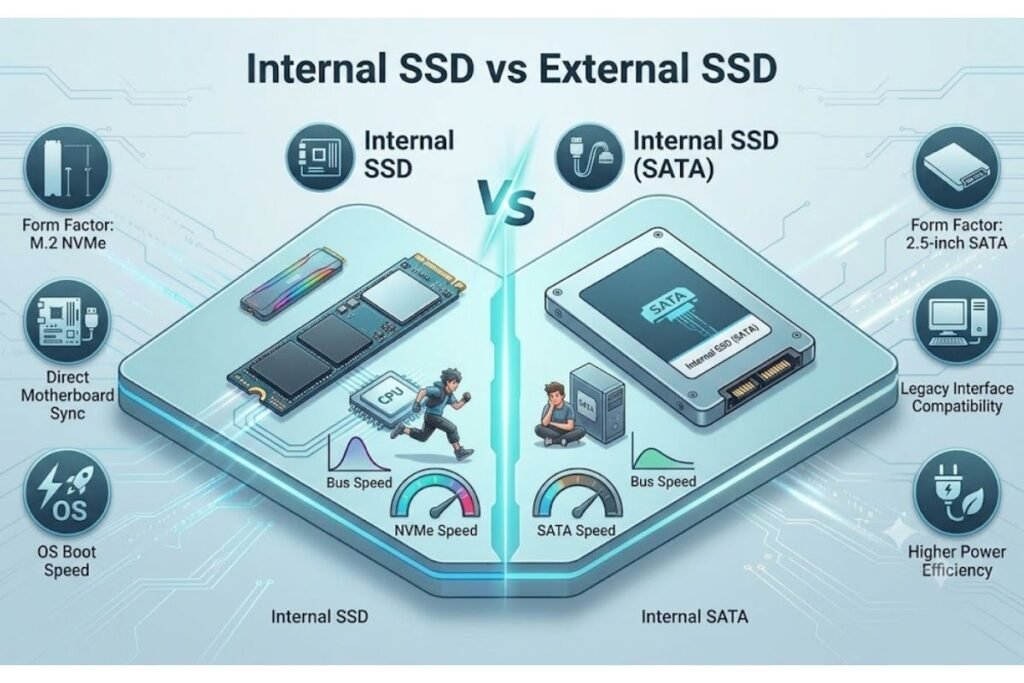
| Feature | External SSD | External HDD |
| Speed | Extremely Fast | Slower |
| Durability | Excellent | Moderate |
| Moving Parts | No | Yes |
| Noise | Silent | Audible spinning |
| Weight | Lightweight | Slightly heavier |
| Power Consumption | Low | Higher |
| Heat | Low | Higher |
| Gaming | Excellent | Good |
| Video Editing | Excellent | Fair |
| Price | Higher | Lower |
| Maximum Capacity | Usually up to 8TB | Up to 24TB or more |
Speed Comparison
Speed is the biggest difference in the external SSD vs HDD debate.
External SSD Speed
Typical speeds:
- 500 MB/s
- 1,000 MB/s
- 2,000 MB/s
- 3,000 MB/s (Thunderbolt)
Large files copy within seconds.
For example:
A 50GB video may transfer in less than one minute.
External HDD Speed
Typical speeds:
- 100 MB/s
- 160 MB/s
- 200 MB/s
The same 50GB file may require several minutes.
Winner: External SSD
Storage Capacity Comparison
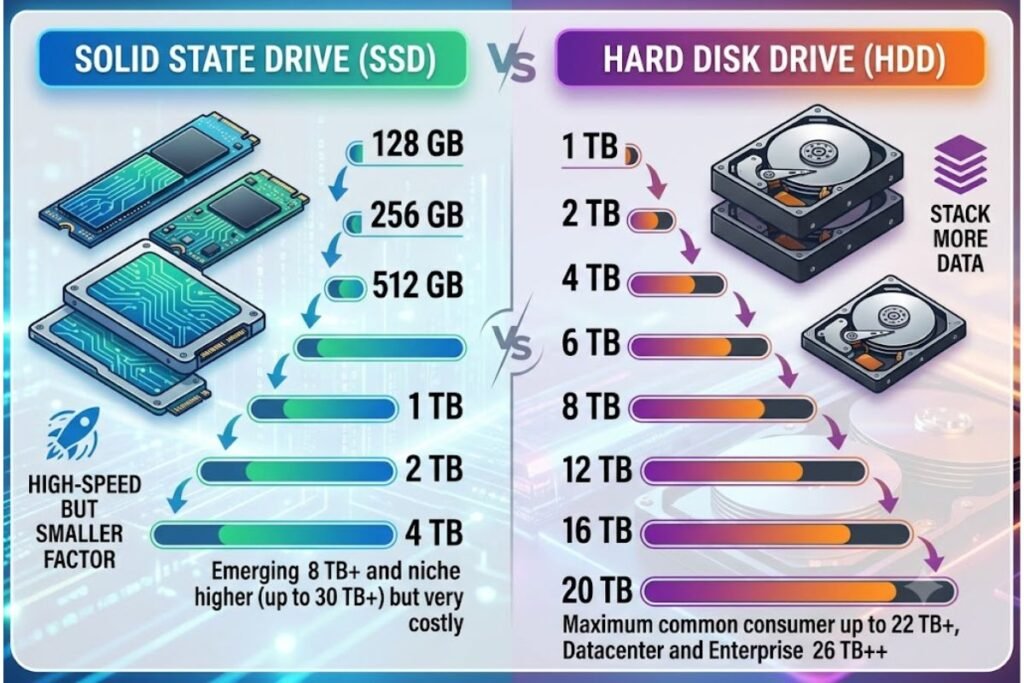
External HDDs provide significantly more storage.
Common capacities:
External SSD
- 250GB
- 500GB
- 1TB
- 2TB
- 4TB
- 8TB
External HDD
- 1TB
- 2TB
- 4TB
- 5TB
- 8TB
- 12TB
- 16TB
- 20TB+
Winner: External HDD
Price Comparison
Price matters for most buyers.
Approximate market prices:
| Capacity | SSD | HDD |
| 1TB | Higher | Much Lower |
| 2TB | Higher | Affordable |
| 4TB | Expensive | Budget Friendly |
If you need maximum storage for the lowest cost, an HDD is the better value.
Winner: External HDD
Durability Comparison
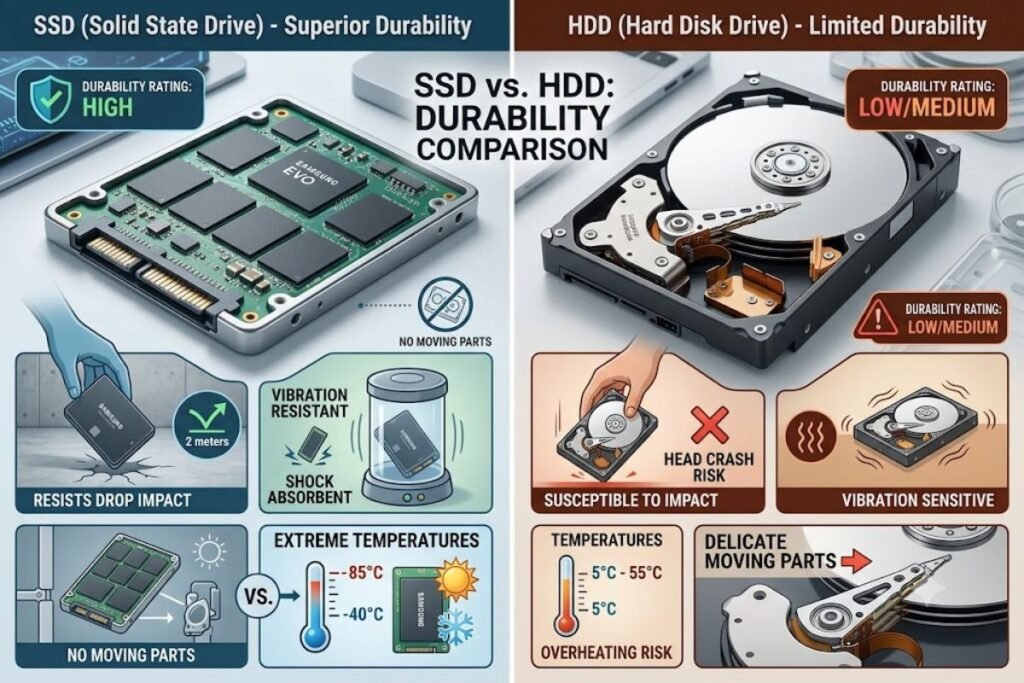
External SSDs are much stronger.
Because they have no moving parts, they can survive accidental drops better.
External HDDs contain delicate spinning disks.
A sudden fall may damage the drive permanently.
Winner: External SSD
Portability
SSDs are:
- Smaller
- Lighter
- Easier to carry
Many are about the size of a credit card.
External HDDs are bulkier.
Winner: External SSD
Noise and Heat
External SSDs:
- Silent
- Cooler
- Energy efficient
External HDDs:
- Produce spinning sounds
- Generate more heat
Winner: External SSD
Lifespan
People often ask whether SSDs last longer.
The answer depends on usage.
SSD Lifespan
Modern SSDs use advanced flash memory with high endurance.
Most consumer SSDs last many years under normal use.
HDD Lifespan
HDDs also last several years but are more vulnerable to physical wear because of moving parts.
Neither drive lasts forever.
Regular backups are always recommended.
Which Is Better for Gaming?
External SSDs provide:
- Faster game loading
- Shorter installation times
- Better texture streaming
- Improved open-world performance
Many modern consoles even recommend SSDs.
Winner: External SSD
Which Is Better for Video Editing?
Professional editors constantly move huge files.
External SSDs offer:
- Faster editing
- Smooth 4K playback
- Better 8K workflow
- Quicker exports
Winner: External SSD
Which Is Better for Photo Storage?
Photographers have two common choices.
SSD:
- Fast editing
- Quick imports
- Portable
HDD:
- Massive archive
- Lower cost
- Long-term storage
Many professionals use both.
Which Is Better for Backup?
If your goal is storing:
- Family photos
- Movies
- Documents
- System backups
An external HDD usually provides the best value.
If you frequently restore files, an SSD offers faster recovery.
Which Is Better for Students?
Students usually need:
- Assignments
- Presentations
- Videos
- Notes
If budget matters, choose HDD.
If portability and speed matter more, choose SSD.
Which Is Better for Business Users?
Business professionals often work with:
- Databases
- Reports
- Large spreadsheets
- Client files
External SSDs save valuable time with faster transfers.
External SSD vs HDD for Mac
Both work with macOS.
After formatting correctly, they support:
- Time Machine backups
- Media storage
- Creative projects
For video editing on Mac, SSD remains the preferred choice.
External SSD vs HDD for Windows
Windows supports both storage devices.
Choose SSD if you regularly transfer large files.
Choose HDD for inexpensive backup storage.
Security Features
Many premium SSDs include:
- Hardware encryption
- Password protection
- Fingerprint security
Some HDDs also provide encryption, but premium SSDs often include faster and more advanced security features.
Pros and Cons
External SSD Pros
- Extremely fast
- Silent
- Lightweight
- Durable
- Low power usage
- Excellent for professionals
External SSD Cons
- More expensive
- Lower capacity for the price
External HDD Pros
- Affordable
- Huge storage
- Great for backups
- Excellent value
External HDD Cons
- Slower
- Sensitive to drops
- Louder
- Heavier
Who Should Buy an External SSD?
Choose an SSD if you:
- Edit videos
- Edit photos
- Play games
- Travel frequently
- Need fast transfers
- Work with large files
- Want better durability
Who Should Buy an External HDD?
Choose an HDD if you:
- Need lots of storage
- Back up family photos
- Store movies
- Want the lowest price
- Archive old files
Buying Guide: What to Consider

Before purchasing, check:
Storage Size
Estimate your future storage needs.
Connection Type
Look for:
- USB-C
- USB 3.2
- Thunderbolt
Read and Write Speed
Higher speeds improve productivity.
Build Quality
Choose shock-resistant models.
Warranty
A longer warranty usually indicates greater manufacturer confidence.
Common Mistakes to Avoid
Avoid these mistakes:
- Buying the cheapest drive without checking speed.
- Ignoring warranty coverage.
- Forgetting compatibility with your computer.
- Not backing up important files.
- Choosing insufficient storage.
Best Use Cases
| User | Recommended Drive |
| Student | HDD (Budget) |
| Gamer | SSD |
| Photographer | SSD |
| Video Editor | SSD |
| Office User | HDD |
| Backup Storage | HDD |
| Traveler | SSD |
| Business Professional | SSD |
Frequently Asked Questions
Q: Is an external SSD worth the extra money?
Ans: Yes. If you value speed, portability, and durability, an external SSD is worth the higher price.
Q: Is an HDD better for long-term storage?
Ans: HDDs are excellent for cost-effective, large-capacity storage. However, regardless of drive type, important data should always be backed up in more than one location.
Q: Can an SSD fail?
Ans: Yes. Like all storage devices, SSDs can fail. Regular backups remain essential.
Q: Which lasts longer: External SSD vs HDD?
Ans: Both can last for years. SSDs are generally more resistant to physical shock, while HDDs may wear faster because of their moving parts.
Q: Can I use an external SSD for gaming?
Ans: Yes. External SSDs offer much faster loading times than HDDs and are ideal for many PC and console gaming setups that support external storage.
Final Verdict: External SSD vs HDD
When comparing external SSD vs HDD, there is no one-size-fits-all answer.
Choose an external SSD if speed, portability, durability, and performance are your priorities. It is the best option for gamers, creative professionals, remote workers, and anyone who frequently transfers large files.
Choose an external HDD if your main goal is affordable, high-capacity storage for backups, media libraries, or archived files.
For many users, the ideal solution is to use both: an SSD for daily work and an HDD for long-term backups. This combination provides the best balance of performance, storage capacity, and cost.



9 Comments