
 -by
-by Typing speed is an essential skill for students, professionals, writers, programmers, and anyone who uses a computer daily. Whether you write emails, create reports, code software, or chat online, improving your typing speed can save valuable time and increase productivity. The faster and more accurately you type, the more work you can complete without feeling overwhelmed.
The good news is that you do not need expensive software or professional training to become a faster typist. With the right techniques, consistent practice, and healthy typing habits, you can significantly improve your Words Per Minute (WPM) while maintaining high accuracy.
What Is Typing Speed?
Typing speed measures how many words you can type correctly in one minute. It is usually expressed as Words Per Minute (WPM). Most typing tests calculate your WPM by dividing the total number of characters typed by five and then comparing it with the time spent typing.
Typing speed is only one part of your overall typing performance. Accuracy is equally important because typing quickly while making frequent mistakes reduces productivity.
What is the Average Typing Speed
The average typing speed refers to the typical number of words a person can type in one minute, commonly measured in words per minute (WPM). Most adults type at an average speed of 40–45 WPM, while experienced typists often reach 65–75 WPM or more. Typing speed depends on factors such as keyboard familiarity, accuracy, practice, and typing technique. Improving both speed and accuracy can significantly boost productivity for work, study, and everyday computer use.
| Skill Level | WPM |
| Beginner | 20–30 |
| Average User | 35–45 |
| Good Typist | 50–70 |
| Advanced Typist | 70–90 |
| Professional Typist | 90–120+ |
Why Typing Speed Matters
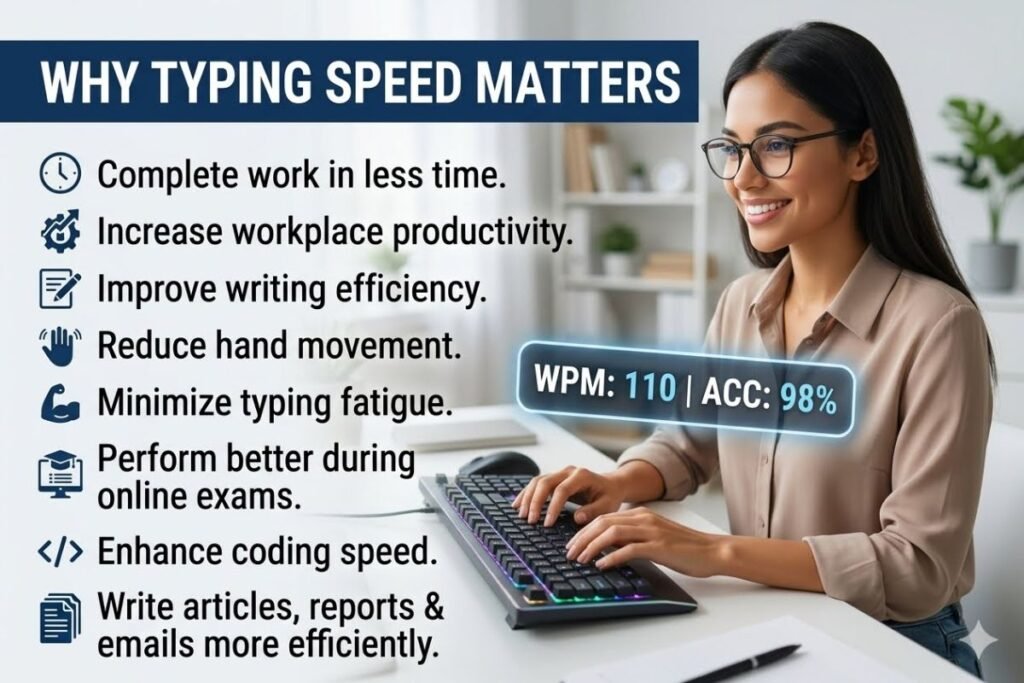
Improving your typing speed offers several benefits.
- Complete work in less time.
- Increase workplace productivity.
- Improve writing efficiency.
- Reduce hand movement.
- Minimize typing fatigue.
- Perform better during online exams.
- Enhance coding and programming speed.
- Write articles, reports, and emails more efficiently.
Whether you work remotely or in an office, faster typing helps you stay productive every day.
15 Easy Ways to Boost Your WPM Fast
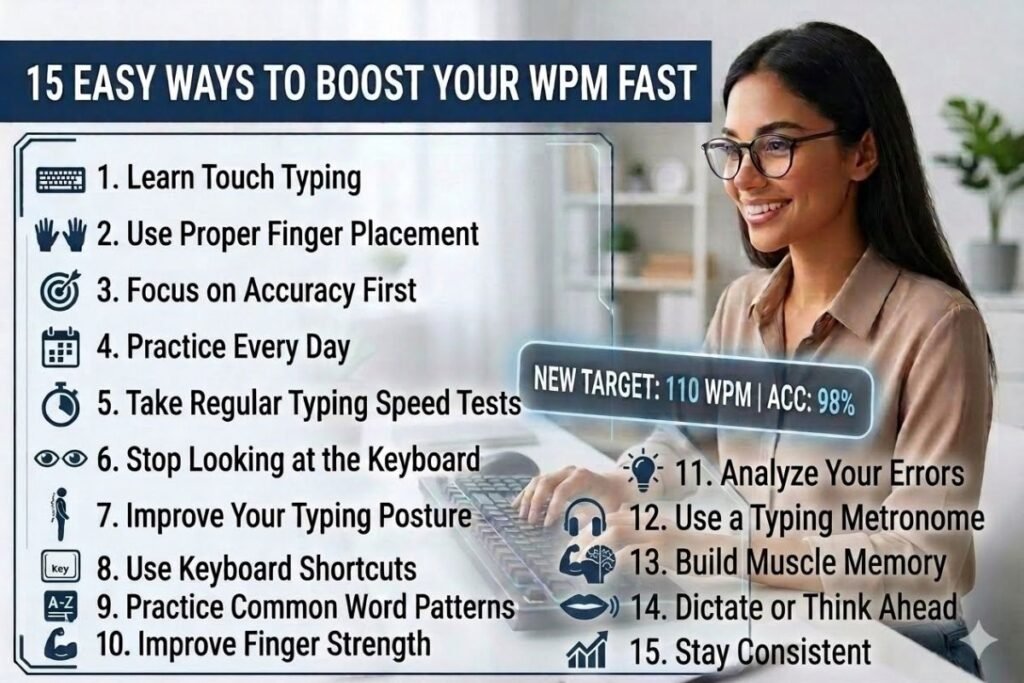
01. Learn Touch Typing
Touch typing is the most effective method for increasing typing speed. Instead of looking at the keyboard, you rely on muscle memory while keeping your eyes on the screen.
Using this technique helps improve both typing speed and accuracy over time.
02. Use Proper Finger Placement
Place your fingers on the home row keys:
- Left hand: A, S, D, F
- Right hand: J, K, L, ;
Each finger should handle certain keys to improve movement efficiency.
03. Focus on Accuracy First
Many beginners try to type as fast as possible. This often leads to frequent errors.
Instead, type slowly and accurately. As your muscle memory develops, your typing speed will naturally improve.
04. Practice Every Day
Daily practice is one of the fastest ways to improve typing speed.
Practice for 15–30 minutes every day instead of spending several hours once a week. Consistency builds stronger typing habits.
05. Take Regular Typing Speed Tests
Typing tests help measure your progress and identify areas that need improvement.
Track your:
- Words per minute
- Accuracy percentage
- Error rate
- Improvement over time
Regular testing keeps you motivated.
06. Stop Looking at the Keyboard
Looking down at the keyboard slows your typing and interrupts your concentration.
Train yourself to keep your eyes on the screen. At first, this feels challenging, but your speed improves significantly after consistent practice.
07. Improve Your Typing Posture
Good posture supports faster and healthier typing.
Maintain these habits:
- Sit upright.
- Keep your wrists straight.
- Relax your shoulders.
- Place both feet flat on the floor.
- Position the monitor at eye level.
Proper ergonomics reduces fatigue during long typing sessions.
08. Use Keyboard Shortcuts
Learning keyboard shortcuts reduces repetitive mouse movements.
Useful shortcuts include:
- Copy
- Paste
- Undo
- Redo
- Save
- Select All
Using shortcuts improves workflow and boosts overall productivity.
09. Practice Common Word Patterns
Frequently used words appear repeatedly in documents.
Practice typing:
- the
- and
- because
- information
- computer
- typing
- productivity
Recognizing common word patterns helps increase WPM naturally.
10. Improve Finger Strength
Strong and flexible fingers move more efficiently across the keyboard.
Simple finger stretches before typing sessions can reduce stiffness and improve control.
11. Use a Comfortable Keyboard
Your keyboard affects both comfort and performance.
Choose a keyboard that offers:
- Comfortable key travel
- Responsive switches
- Proper spacing
- Ergonomic design
A quality keyboard makes long typing sessions easier.
12. Eliminate Distractions
Concentration directly affects typing speed.
Practice in a quiet environment by:
- Turning off unnecessary notifications
- Closing unrelated browser tabs
- Listening to calm background music if it helps you focus
Better concentration leads to fewer mistakes.
13. Read Before You Type
When copying text, read several words ahead instead of typing one word at a time.
This allows your brain to prepare upcoming keystrokes and maintain a smoother typing rhythm.
14. Challenge Yourself Gradually
Increase your typing goals little by little.
For example:
- Week 1: 35 WPM
- Week 2: 40 WPM
- Week 3: 45 WPM
- Week 4: 50 WPM
Gradual improvements are easier to maintain than sudden increases.
15. Stay Consistent
Improving typing speed is a long-term skill. Even experienced typists continue practicing regularly to maintain their performance.
Remember that steady improvement is more valuable than chasing unrealistic speed records.
Common Mistakes That Slow Down Typing Speed
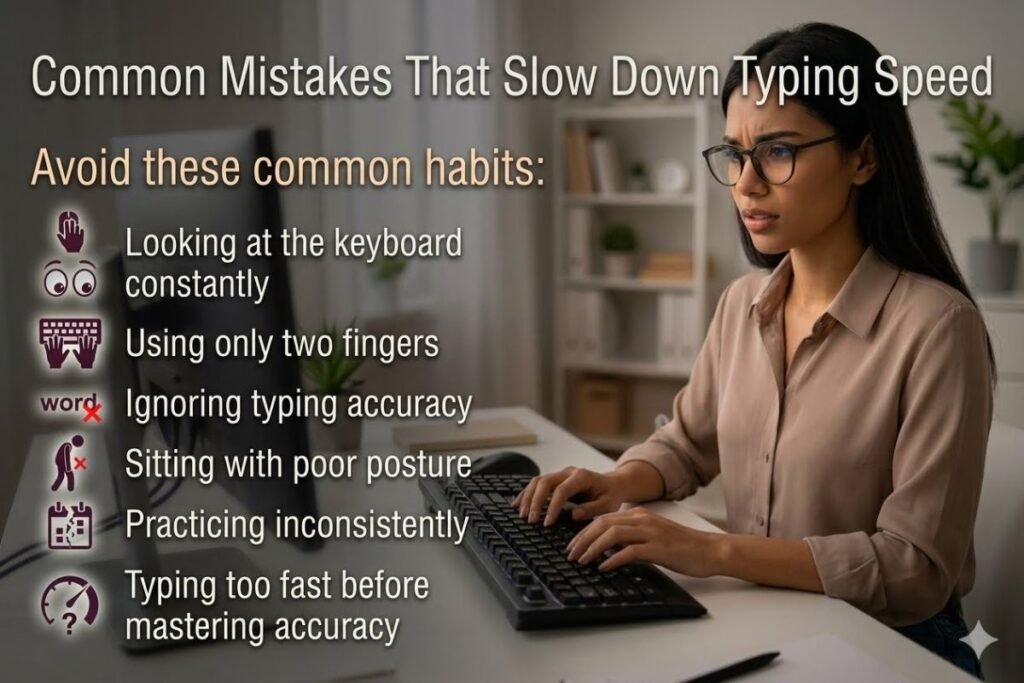
Avoid these common habits:
- Looking at the keyboard constantly
- Using only two fingers
- Ignoring typing accuracy
- Sitting with poor posture
- Practicing inconsistently
- Typing too fast before mastering accuracy
- Not using keyboard shortcuts
Correcting these habits can noticeably improve your WPM.
Best Free Tools to Improve Typing Speed
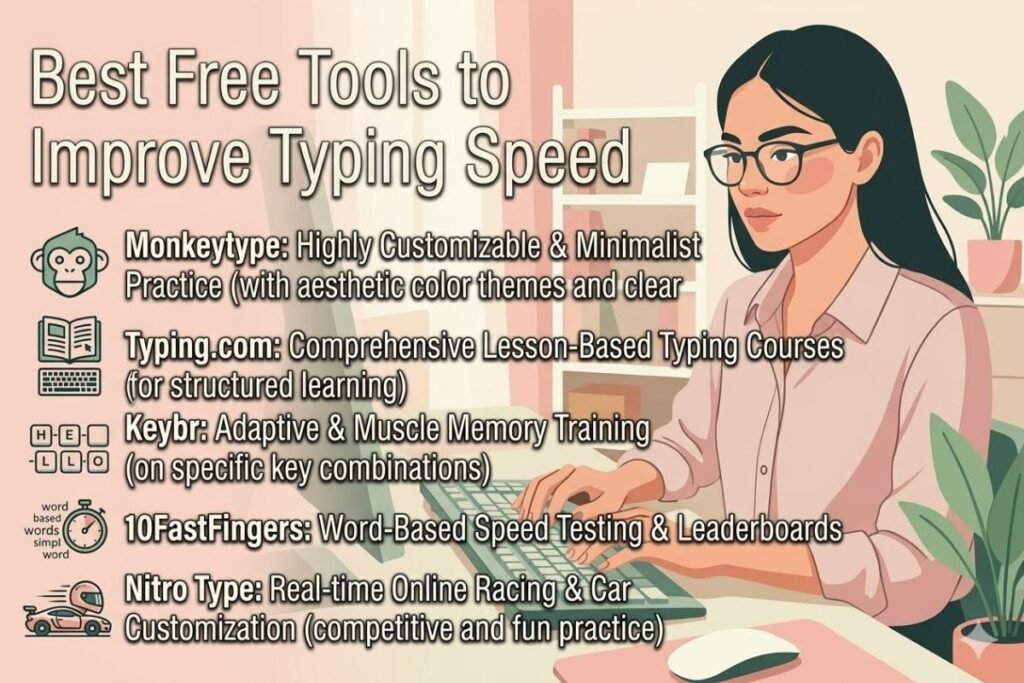
Several free websites provide typing lessons and speed tests.
- Monkeytype
- Typing.com
- Keybr
- 10FastFingers
- Nitro Type
These platforms offer typing exercises, progress tracking, and fun challenges suitable for beginners and advanced users.
How Long Does It Take to Improve Typing Speed?
The time required depends on your starting skill level and practice routine.
| Daily Practice | Expected Improvement |
| 15 minutes | Noticeable progress in 4–8 weeks |
| 30 minutes | Faster improvement in 3–6 weeks |
| 1 hour | Significant gains within a month |
Regular practice combined with proper techniques delivers the best results.
Tips to Maintain High Typing Accuracy
Speed should never come at the expense of accuracy.
To maintain high accuracy:
- Slow down when making frequent mistakes.
- Focus on correct finger placement.
- Review typing errors after each practice session.
- Practice difficult letter combinations.
- Maintain proper posture.
- Take short breaks during long typing sessions.
A balance between speed and accuracy leads to better overall typing performance.
Conclusion
Improving your typing speed is one of the easiest ways to become more productive at work, school, or home. By learning touch typing, practicing consistently, using correct finger placement, and focusing on accuracy, you can steadily increase your WPM without sacrificing quality.
Remember that becoming a faster typist takes patience and regular practice. Apply these 15 proven tips, monitor your progress, and challenge yourself with realistic goals. Over time, you’ll type more confidently, make fewer mistakes, and complete tasks much faster.
For more technology guides and productivity tips, explore TechAllWorld.com and TechhAtoZ.com. If you’re interested in travel or food-related content, visit BeachNear.net and Restaurent.net for helpful resources.
Frequently Asked Questions
Q: What is a good typing speed?
Ans: A typing speed of 40–60 WPM is considered good for most users, while professionals often achieve 70 WPM or higher with excellent accuracy.
Q: How can I improve my typing speed quickly?
Ans: Practice touch typing daily, focus on accuracy first, maintain proper posture, avoid looking at the keyboard, and take regular typing speed tests to track progress.
Q: Is typing accuracy more important than typing speed?
Ans: Yes. High accuracy is essential because frequent mistakes reduce productivity. Speed naturally improves as your accuracy and muscle memory develop.
Q: Can I improve my typing speed without special software?
Ans: Absolutely. You can improve by practicing consistently, learning proper finger placement, using free online typing tools, and developing good typing habits.
Q: How many words per minute should I aim for?
Ans: Beginners should aim for 30–40 WPM, while experienced typists can target 60–80 WPM or higher with at least 95–98% accuracy.





5 Comments